Issue: CESD SharePoint icon changed inside office 365 from black to teal (see examples below) and now its asking to install the authenticator app.


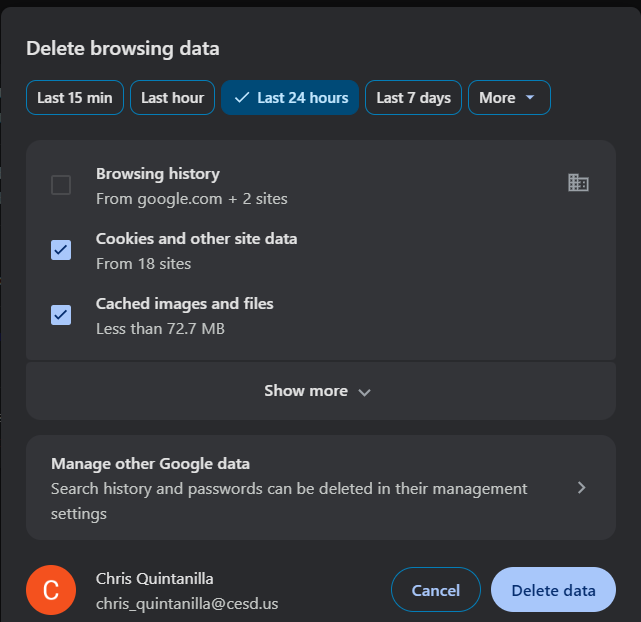
Solution: This is due to a UI bug in the browser. Log out of office 365. Clear cache and cookies up to 4 weeks in the chrome browser and try logging back into office 365. You should see the original black icon for CESD in the apps list. If not, clear cache and cookies and use the "All time" setting.
Was this article helpful?
That’s Great!
Thank you for your feedback
Sorry! We couldn't be helpful
Thank you for your feedback
Feedback sent
We appreciate your effort and will try to fix the article